What if your calendar wrote your invoices?
hourlee turns billable calendar events into invoices, automatically.
30 days free. No credit card required.
Minimal admin. Maximum focus.
All the boring work done in 3 steps.
Create a client
Setup your client's profile in the clients page and choose the frequency of your invoices.
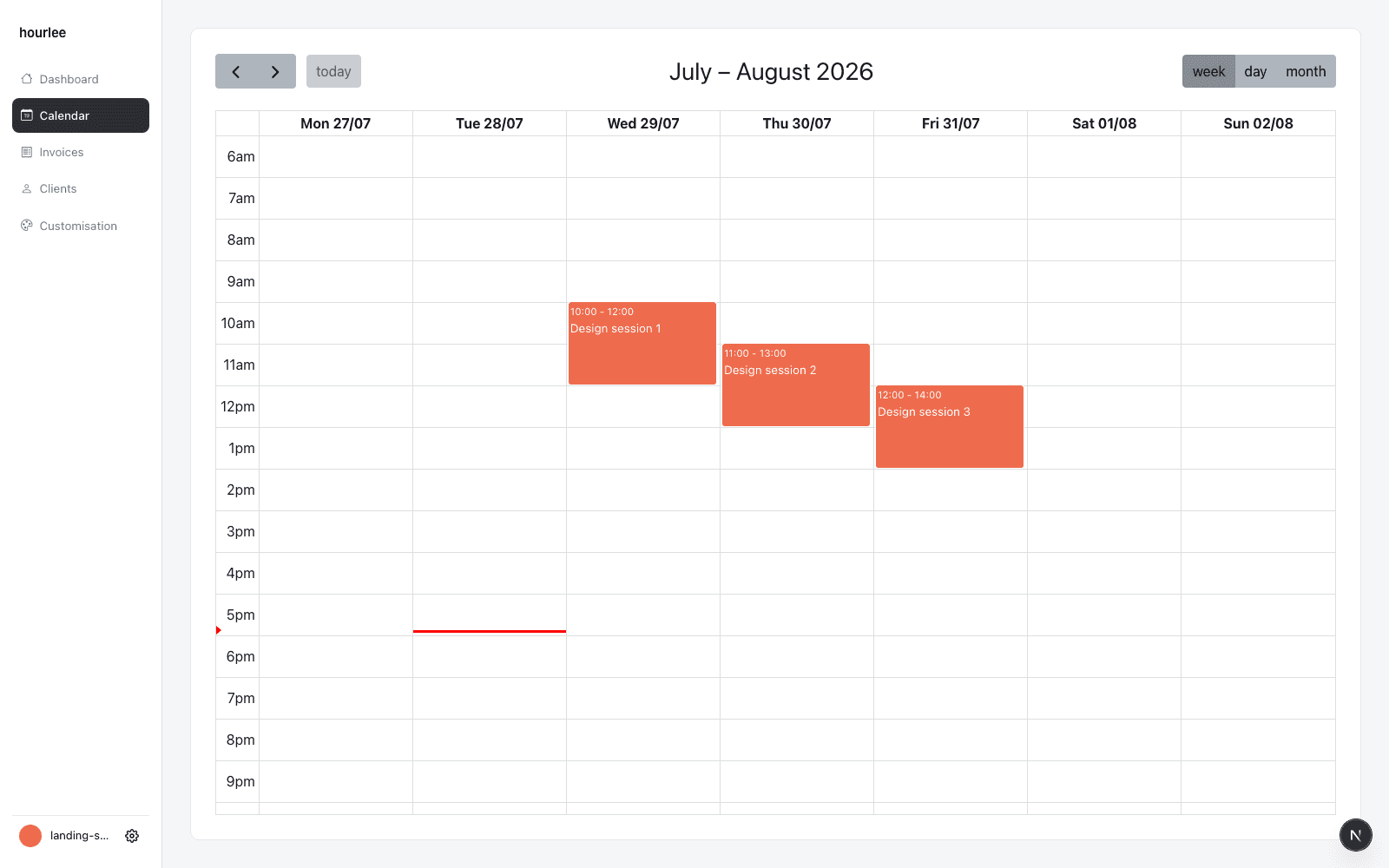
Update your calendar as you work
Assign a client to each billable event you create.
Generate invoices in your sleep
Review, download and send.
Guaranteed to save you 4-6 hours every month.
Google Calendar and Sheets are amazing as free tools, until you outgrow them. hourlee replaces your manual workflow so you can work on what actually matters.
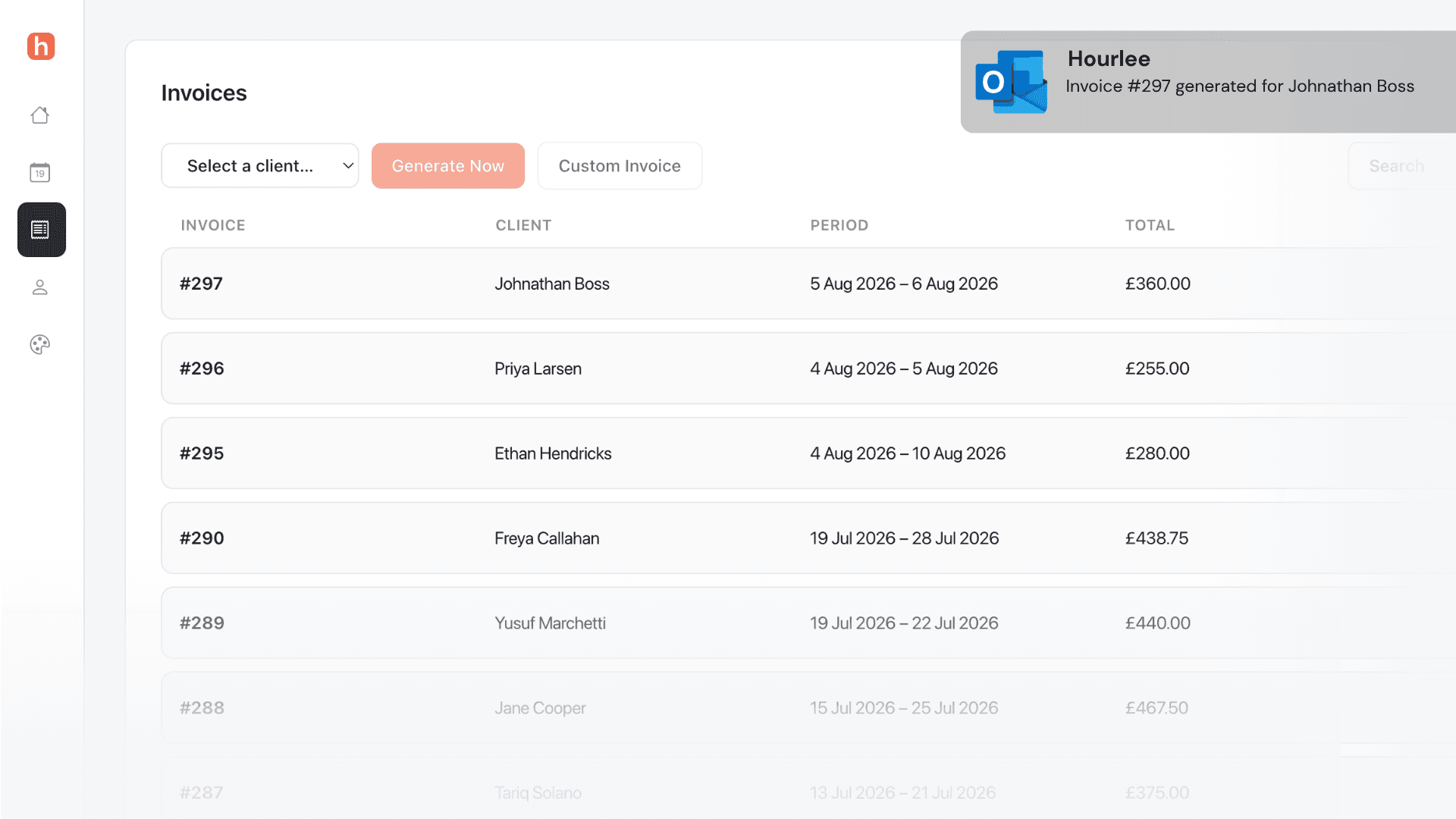
Never miss a payment
Get notified when your invoices are ready and track them with one button.
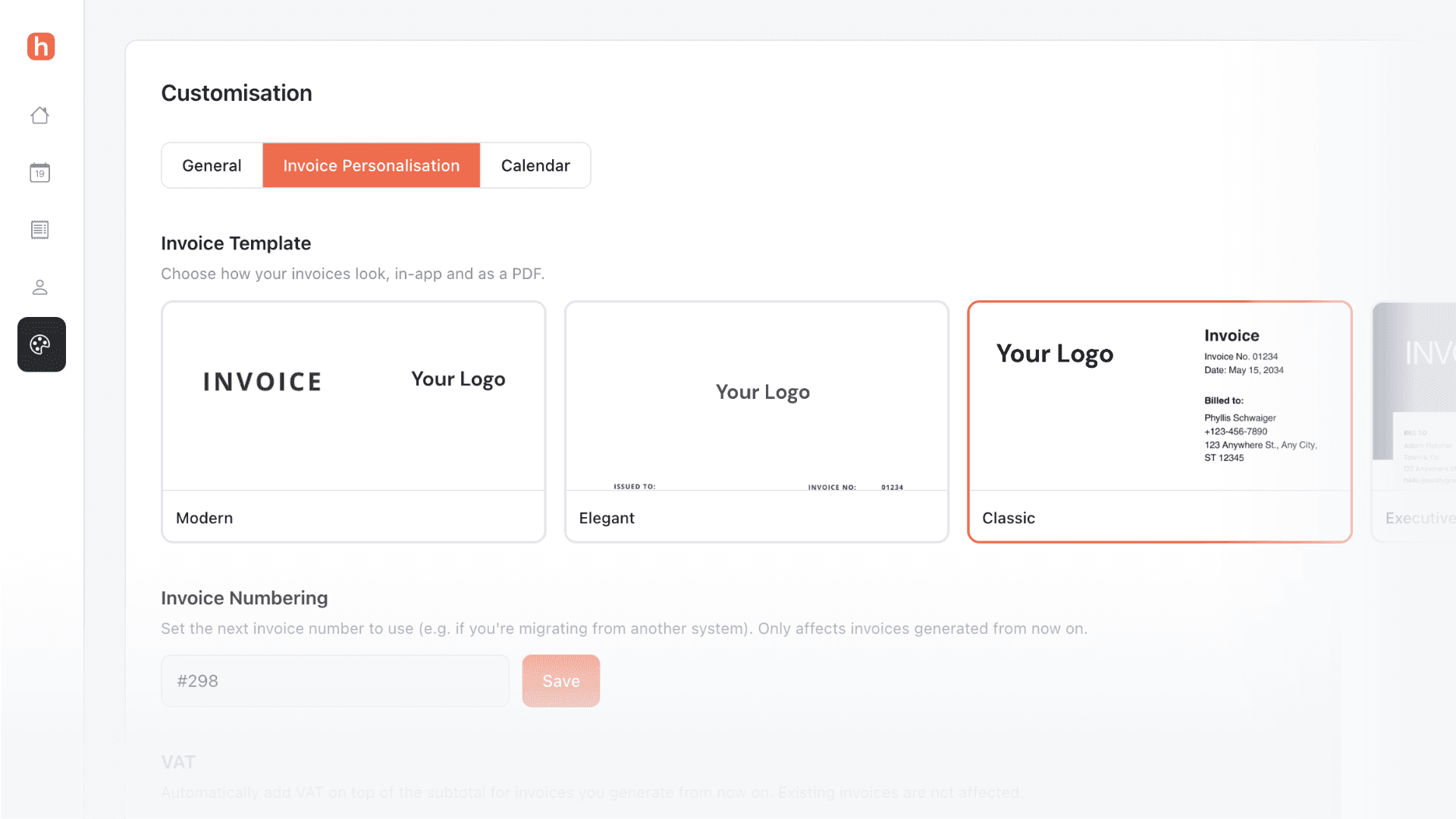
Customise your invoices
Choose from a range of templates and add custom branding.
Make changes on the go
All the features at your fingertips.
Reach your goals faster
Set a revenue goal and track your progress in real-time.

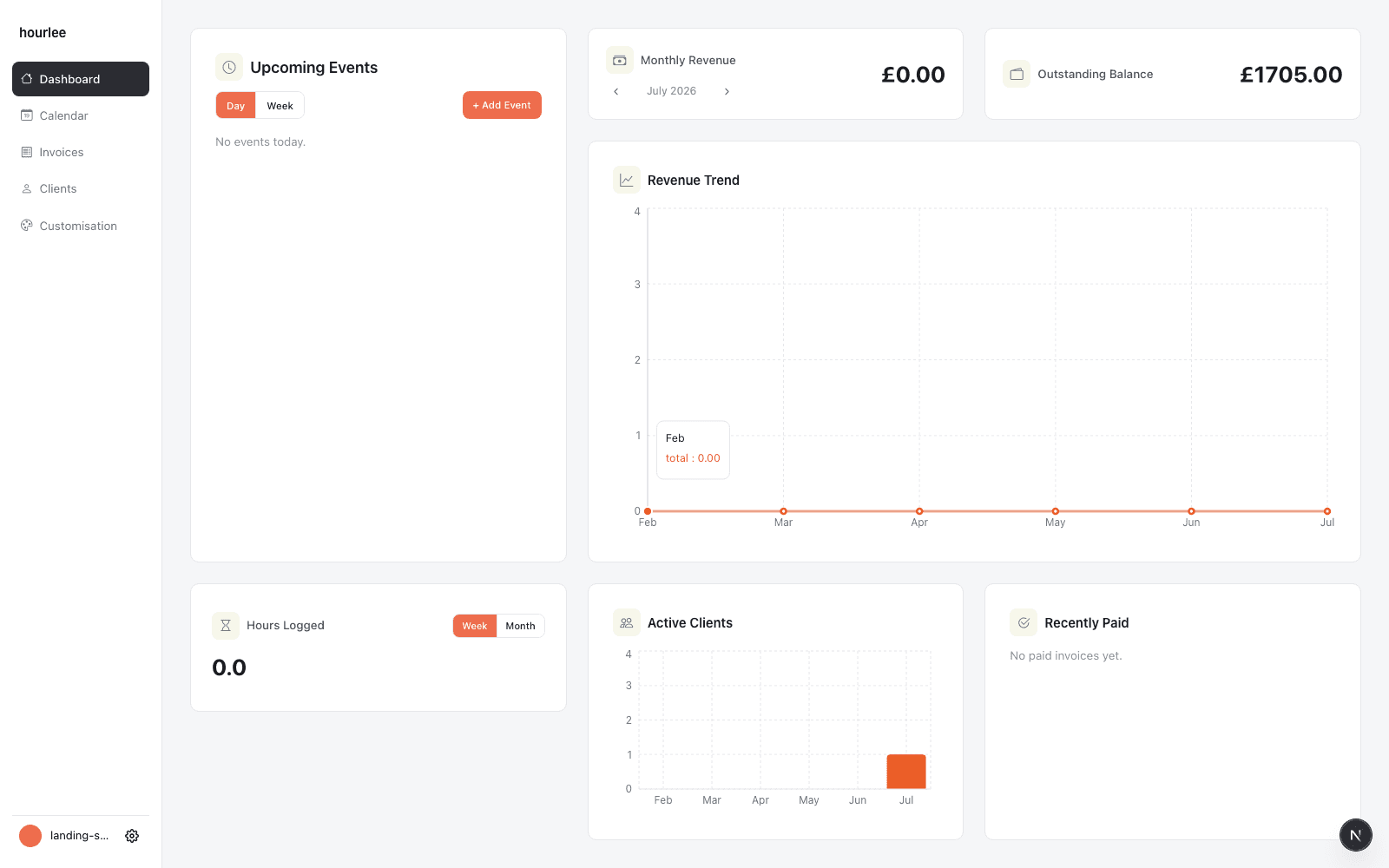
Helping you make the right call
See your business at a glance on your dashboard.
Effortless invoicing,
just the way it should be.
Start your free trial30 days free. No credit card required.
FAQ
How does hourlee turn calendar events into invoices?+
Assign a client to any billable event on your calendar, and hourlee automatically compiles those events into an invoice on your chosen schedule.
Can I edit an invoice before it goes out?+
Yes. Every generated invoice can be reviewed, edited, and downloaded before you send it to your client.
What calendar do I need to use?+
hourlee includes its own built-in calendar, so you can schedule and bill from the same place without syncing a separate app.
How often are invoices generated?+
You choose the invoicing frequency per client — weekly, biweekly, or monthly — and hourlee generates invoices automatically on that cadence.
Is there a free trial?+
Yes, you can get started for free and upgrade whenever you are ready to invoice more clients.
Is hourlee on the app store?+
Not yet. But in the meantime you can turn it into a progressive web app (PWA).